

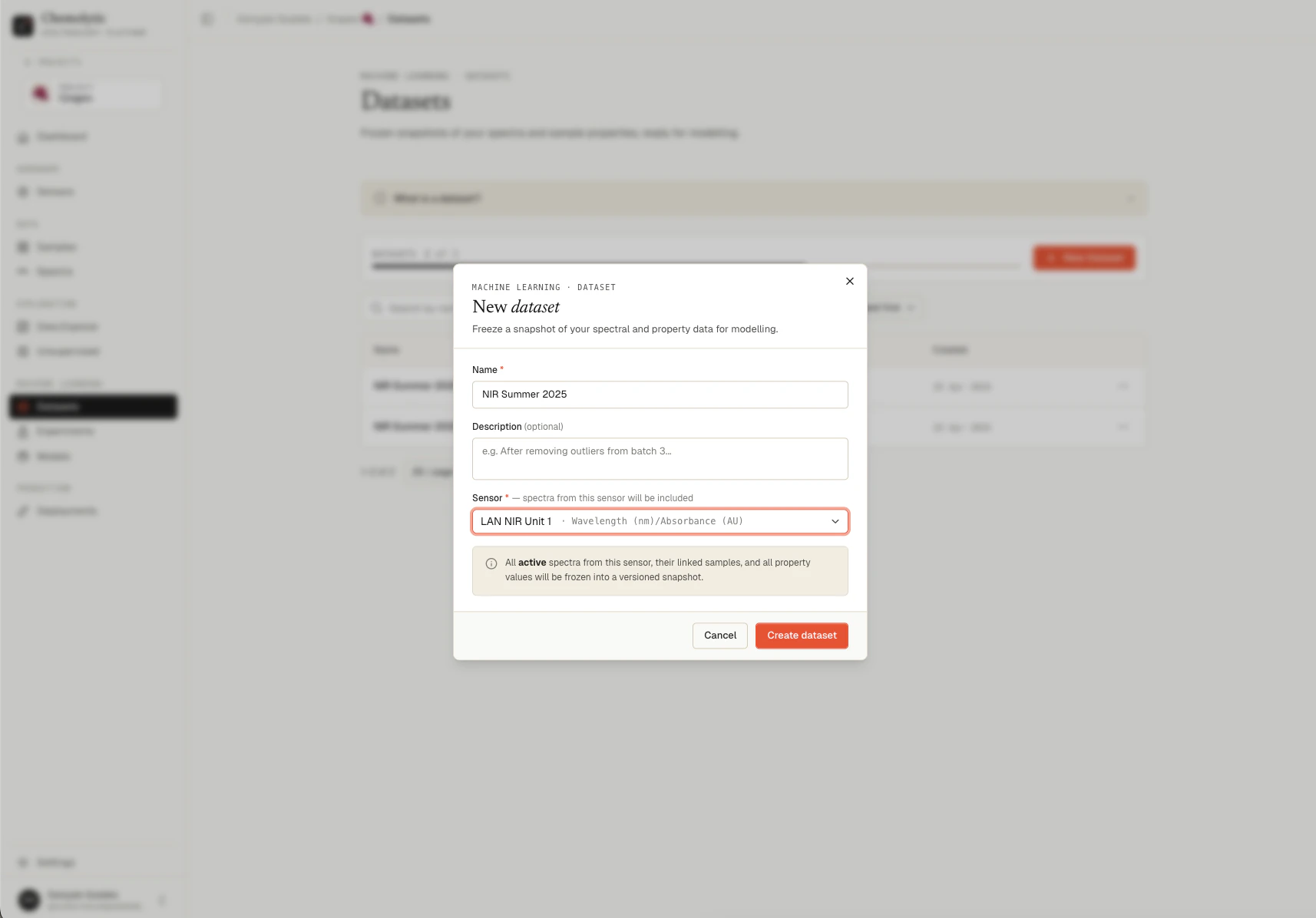
Fields
What gets included
When you create a dataset, the following are automatically included:- All active spectra for the chosen sensor (archived spectra are excluded)
- The samples linked to those spectra
- All sample properties defined in the project, with their values per sample
Click create
Click Create Dataset. The button shows “Creating…” while the snapshot is being built. This usually takes a few seconds. You’re redirected to the dataset’s detail page where you can inspect everything that was captured.Errors
The sensor has no active spectra
The sensor has no active spectra
The selected sensor has no spectra linked to it (or all of its spectra are archived). Upload spectra to that sensor first, or pick a different sensor.
You've reached your dataset limit
You've reached your dataset limit
Your plan limits how many datasets you can have per project. Archive or delete a dataset you no longer need, or upgrade your plan.
Name is required
Name is required
The Name field cannot be empty. Enter a descriptive name.
Select a sensor
Select a sensor
The Sensor field is required. Pick the sensor whose spectra you want in this dataset.
After creation
The dataset is now immutable. From its detail page you can:- Inspect the spectra, samples, properties, and sensor metadata
- Download the dataset as JSON or Excel
- Use it as input for an experiment
- Create a new version when your data evolves