

Registration form
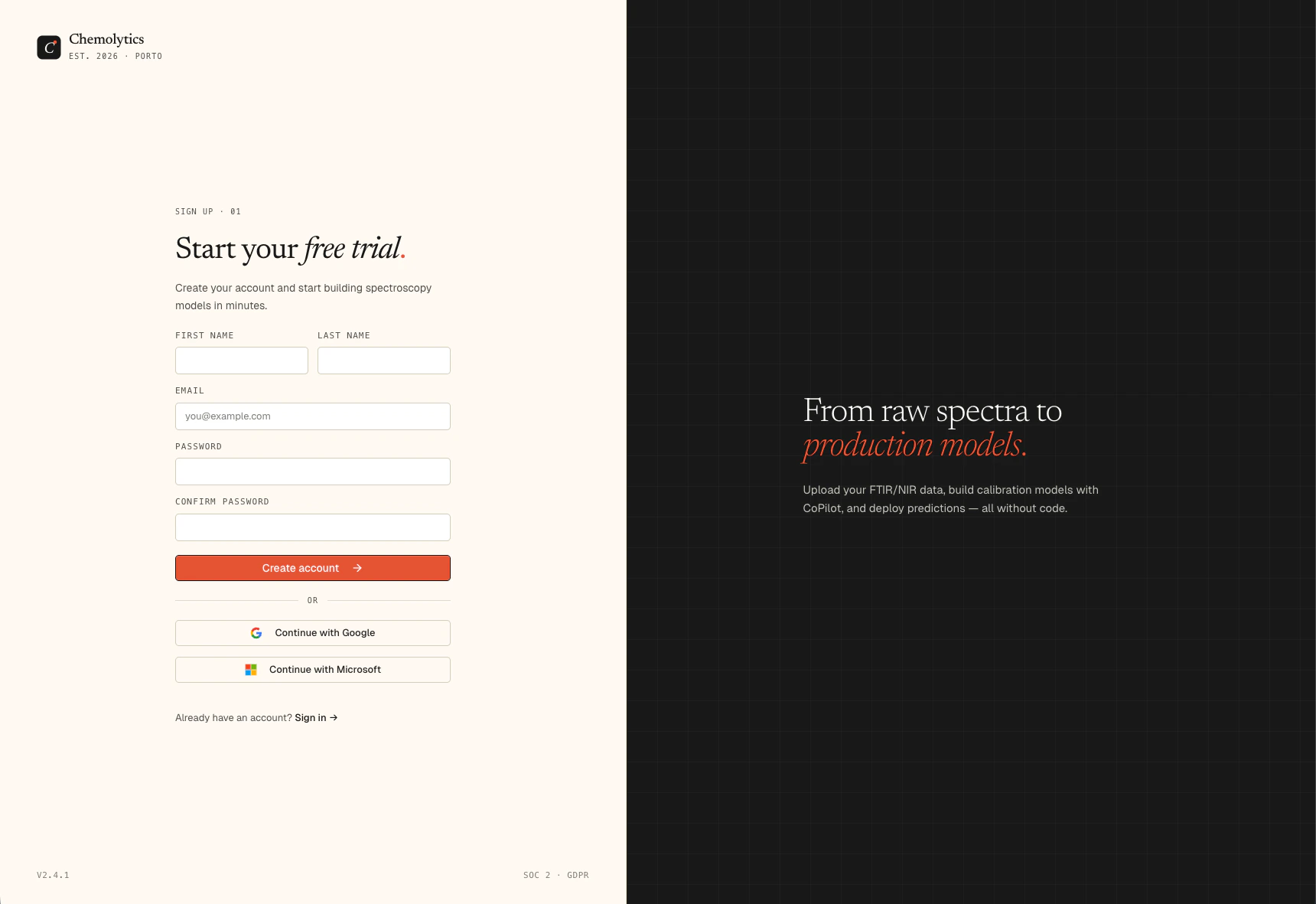
Click Create account to submit. You will be redirected to an email verification screen.
What happens after sign up
- Chemolytic sends a verification email to the address you entered
- You will see a “Check your inbox” screen
- Click the link in the email to verify your address
- You are logged in automatically and taken to your workspace
A personal organization is created for you automatically on sign up. It comes with the Free plan: 1 project, 1 member. You can upgrade at any time from the Billing page.
Troubleshooting
I didn't receive the verification email
I didn't receive the verification email
Check your spam or junk folder. If it’s not there, go back to the login page and use the “Resend verification” option. Make sure you entered the correct email address during sign up.
I see 'Too many signup attempts'
I see 'Too many signup attempts'
You’ve hit the rate limit. Wait a few minutes and try again.
I see 'Passwords do not match'
I see 'Passwords do not match'
The Password and Confirm password fields must be identical. Passwords are case-sensitive.