

Login form
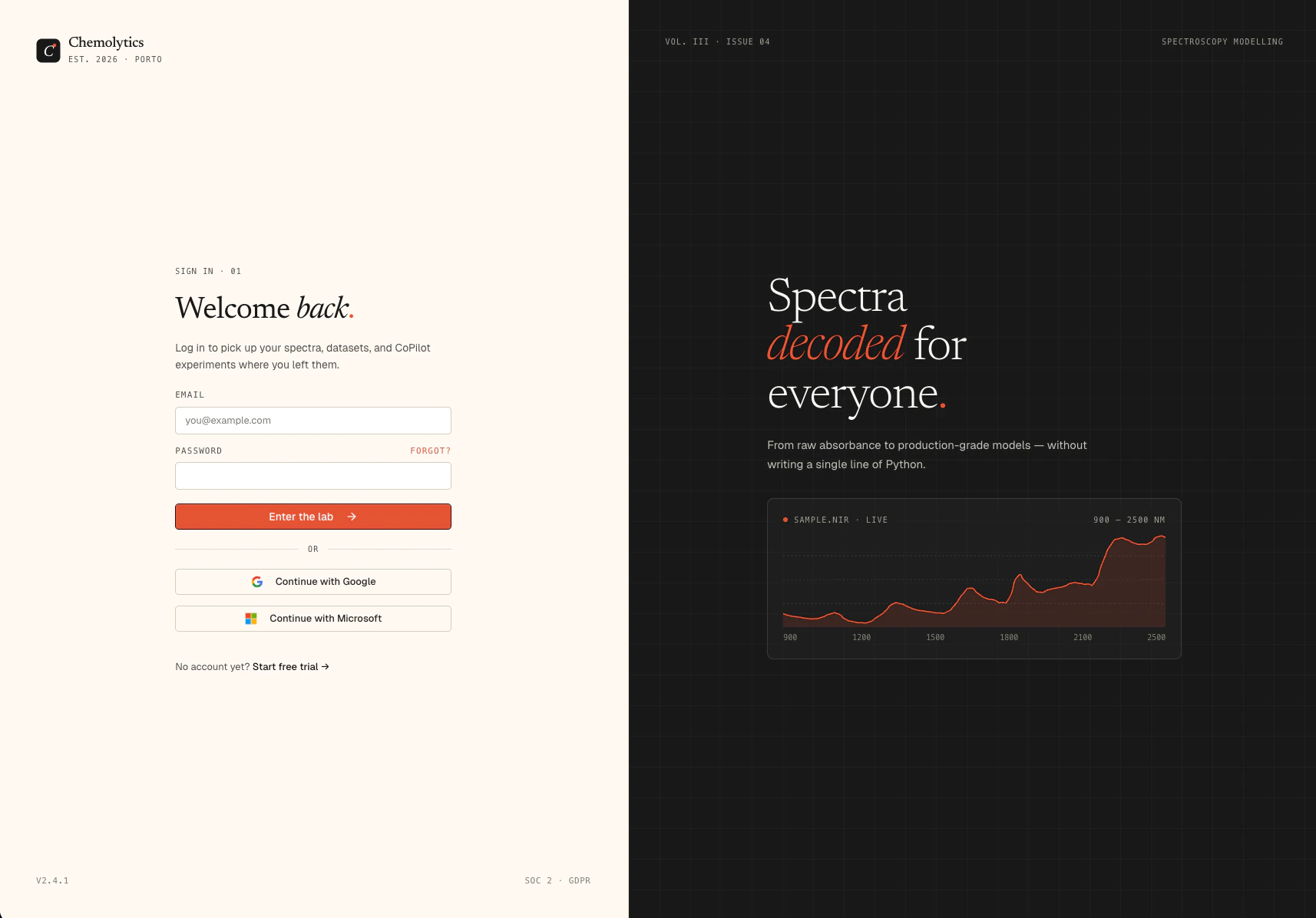
Forgot your password?
Click Forgot password? below the sign in button. See Password reset for the full flow.Social login
Click Continue with Google or Continue with Microsoft to sign in using your existing account. No password needed. If this is your first time, an account will be created automatically.Troubleshooting
I can't remember which email I used
I can't remember which email I used
Try the social login buttons. If you signed up with Google or Microsoft, those bypass the email/password form entirely.
My password is not working
My password is not working
Use the Forgot password? flow to set a new one.
I signed up but haven't verified my email yet
I signed up but haven't verified my email yet
Check your inbox for the verification email. You cannot log in until your email is verified.