

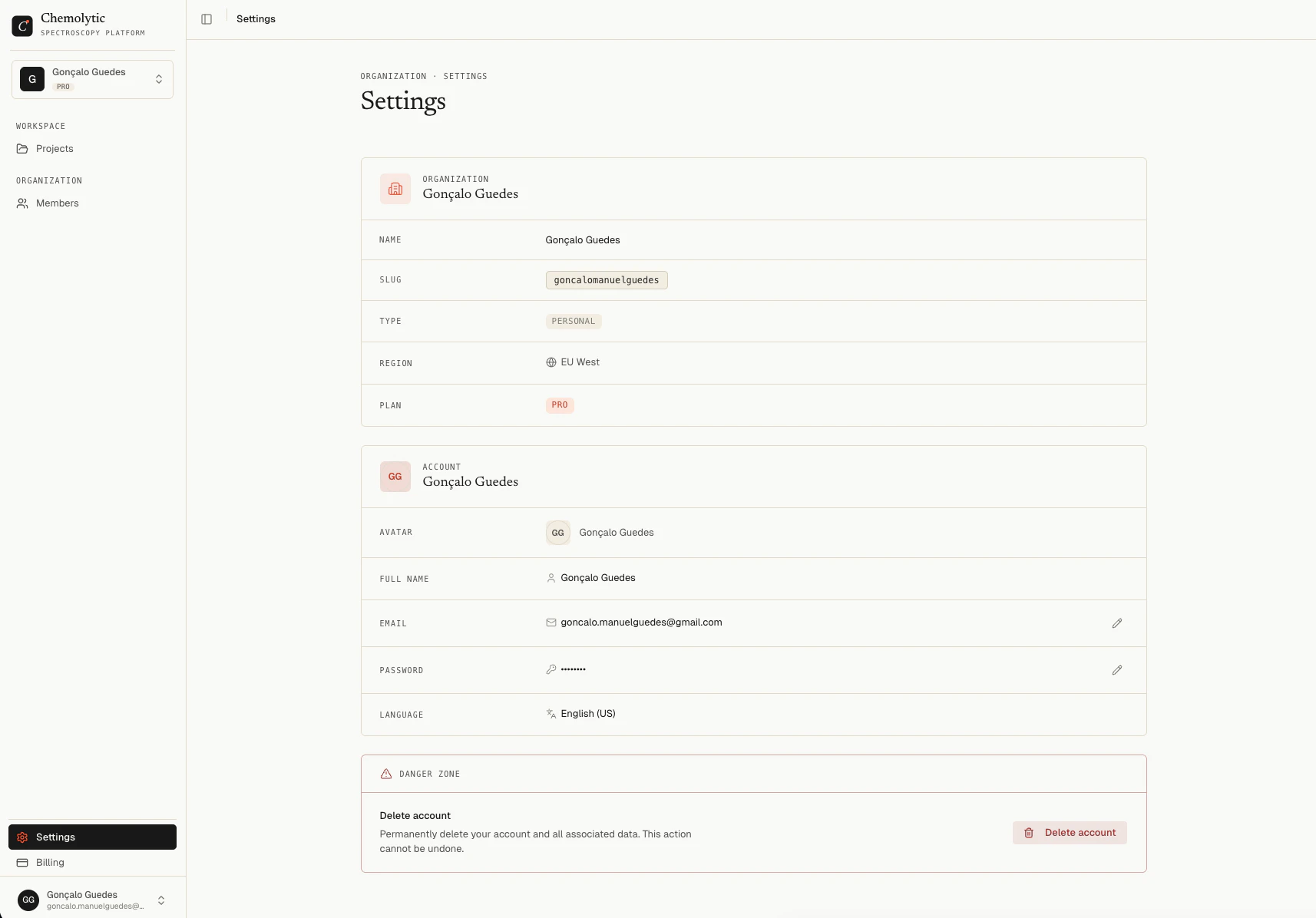
Organization info
The top section shows read-only information about your current organization:Account
Change your email
Click the edit icon next to your email address. A dialog opens where you can enter a new email. A verification link is sent to the new address. The change takes effect after you verify it.Change your password
Click the edit icon next to the password field. Enter your current password, then your new password (minimum 8 characters), and confirm it.Danger zone
Delete account
Click Delete account at the bottom of the page. A confirmation dialog appears. You must confirm the action before anything is deleted.Delete organization
The Delete organization button is only available for Team organizations, not Personal ones. Personal organizations cannot be deleted because they are tied to your account.Only the organization Owner can delete it.