

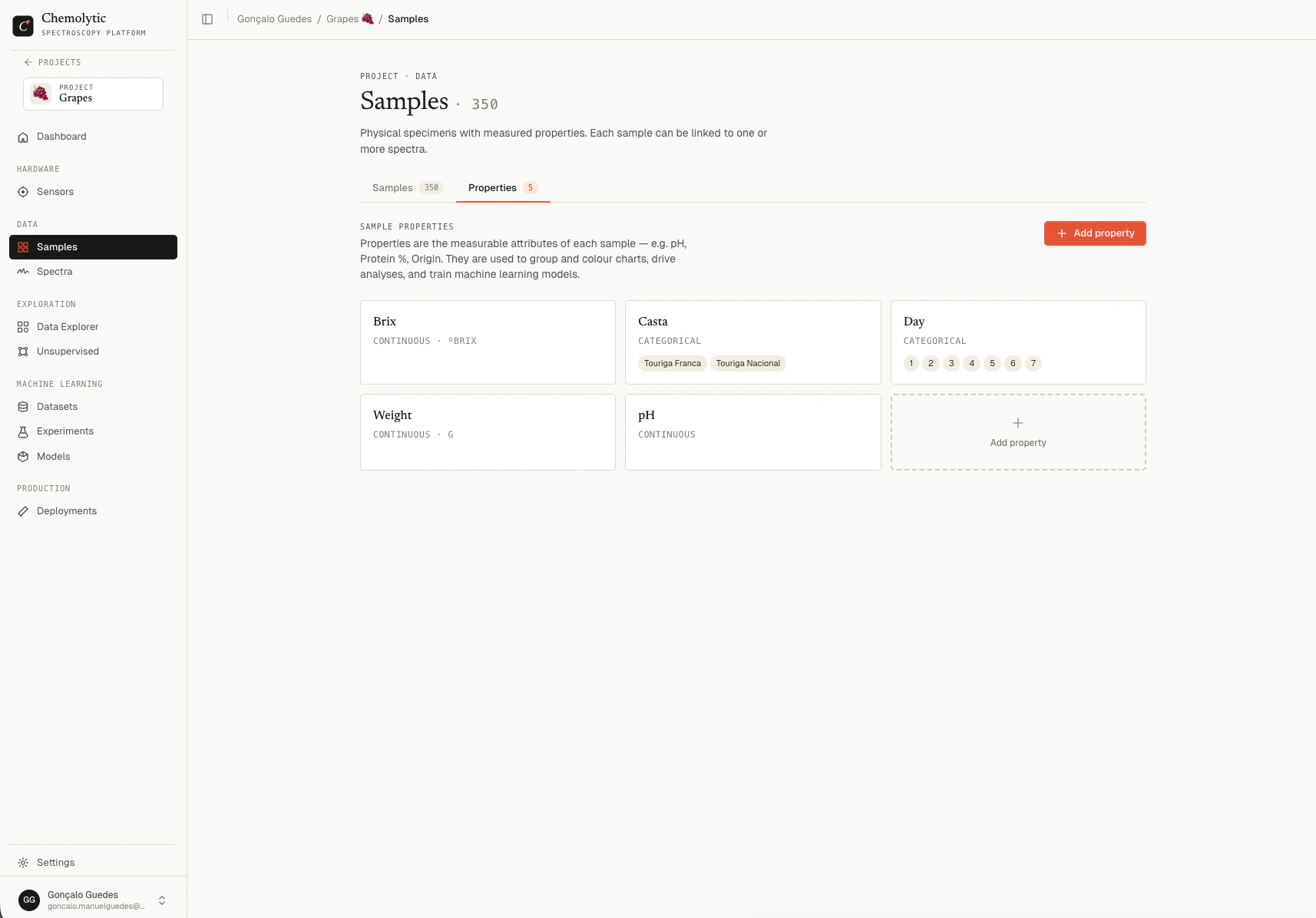
Creating a property
Click Add property to open the create dialog.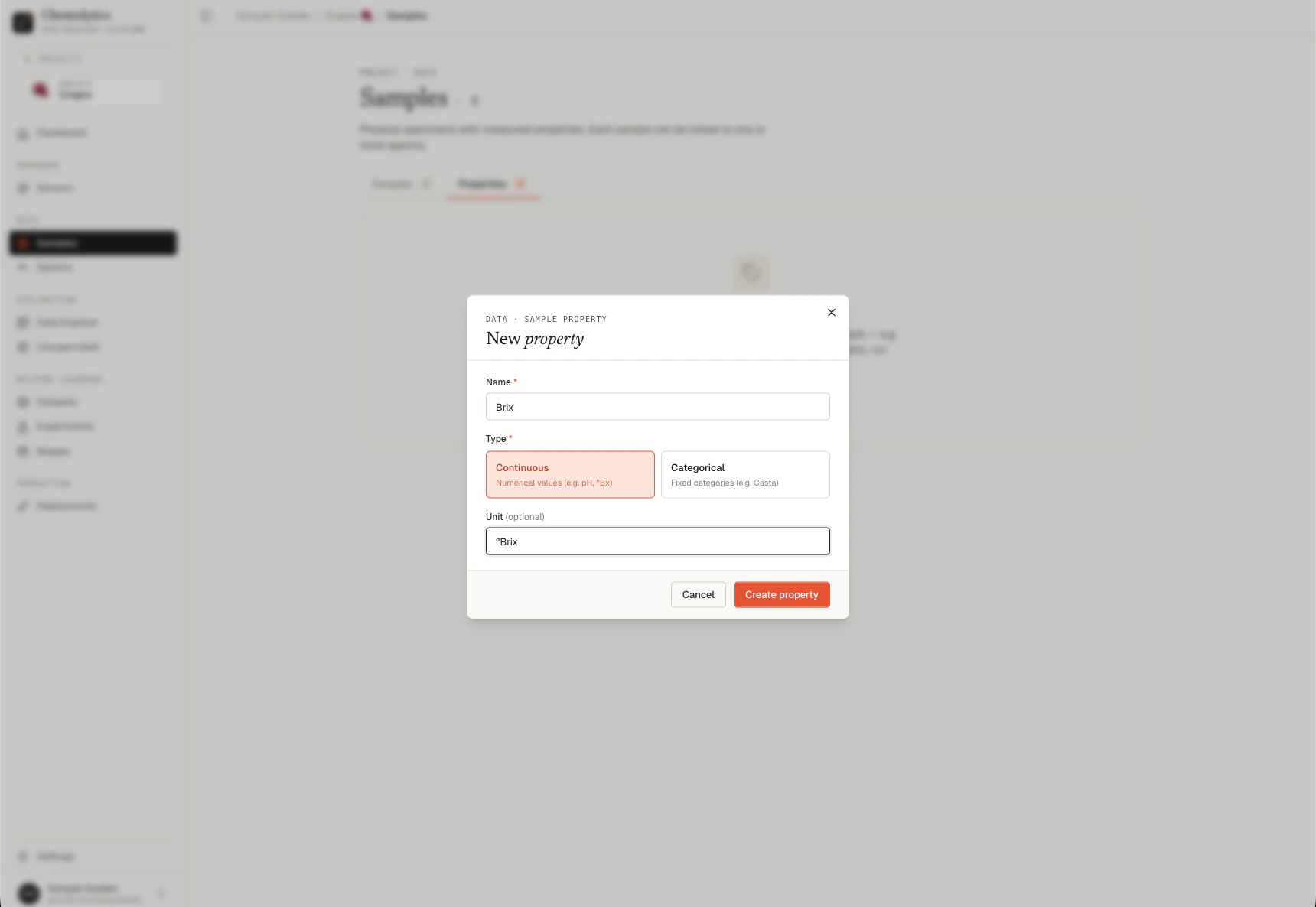
Fields
Continuous properties
Select the Continuous toggle. Enter an optional unit. The unit is shown in the samples table next to the value. Common units:%, °Bx, mg/L, pH, g, ppm, mol/L.
Categorical properties
Select the Categorical toggle. Type each category name and press Enter (or click Add) to add it. Click the X on a pill to remove it.Editing a property
Hover over a property card and click the pencil icon. You can change the name, type, unit, and categories.Deleting a property
Hover over a property card and click the trash icon. To remove a property that’s in use:- Clear the column in your CSV and re-import (sets all values to empty for that property), or
- Edit each sample manually and remove the property value
- Then delete the property
Common errors
A property with this name already exists
A property with this name already exists
Property names are unique within a project. Use a different name or rename the existing property first.
Cannot delete '{name}'. It has sample targets associated with it.
Cannot delete '{name}'. It has sample targets associated with it.
Some samples still have values for this property. Clear those values (manually or via CSV) before deleting.
Categorical properties require at least 2 categories
Categorical properties require at least 2 categories
Categorical properties must have at least 2 distinct category values. Add more categories or switch to Continuous.
Categories must be empty for continuous properties
Categories must be empty for continuous properties
The categories list is only for categorical properties. Switch the type or remove the categories.