> ## Documentation Index
> Fetch the complete documentation index at: https://docs.chemolytic.com/llms.txt
> Use this file to discover all available pages before exploring further.
# Sign up
> Create your Chemolytic account.
Go to the Chemolytic app and click **Sign Up** in the top right corner, or follow a direct invitation link from a team member.
## Registration form
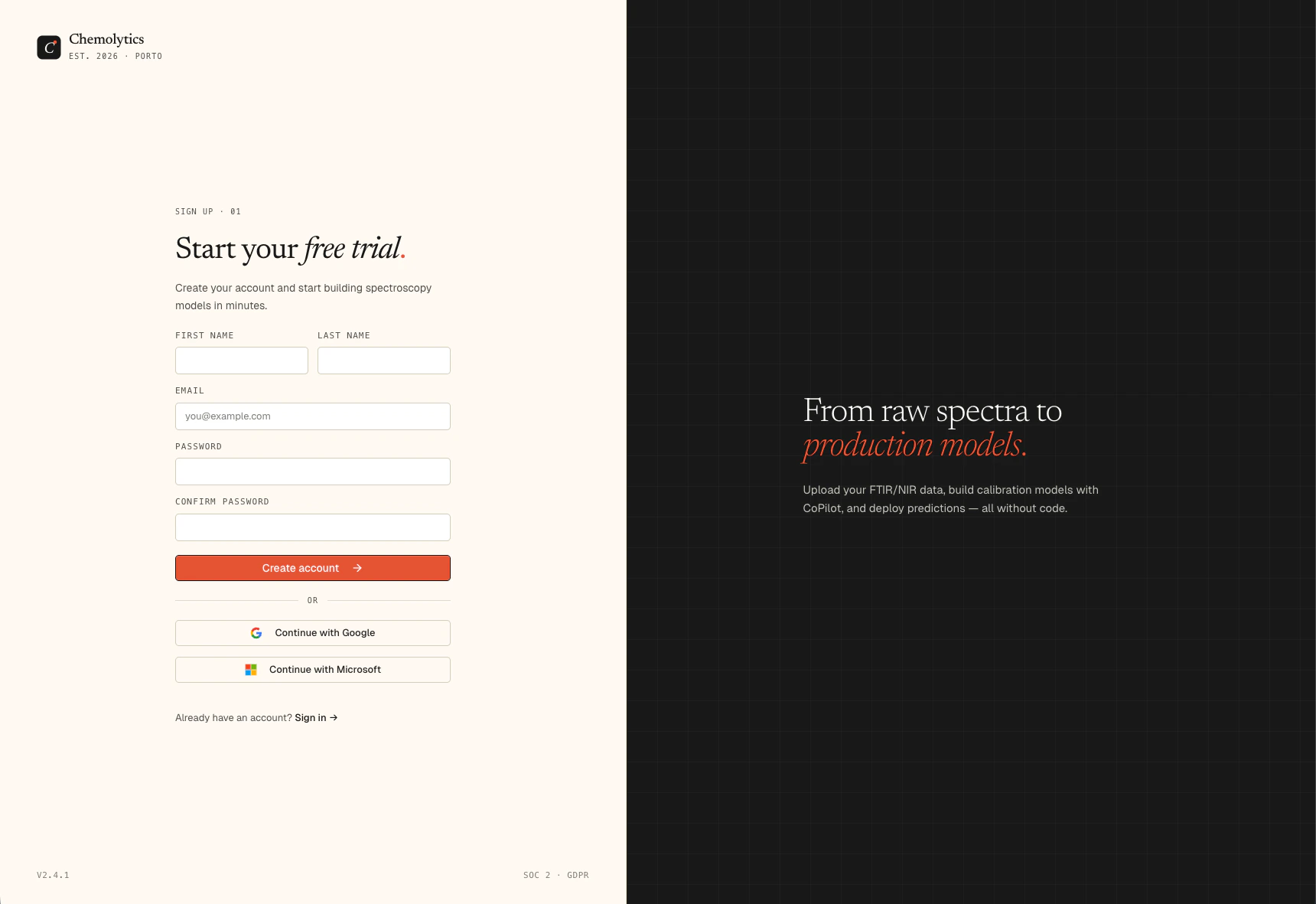 Fill in the following fields:
| Field | Notes |
| -------------------- | ----------------------------------- |
| **First name** | Required |
| **Last name** | Required |
| **Email** | Used as your login. Must be unique. |
| **Password** | Minimum 8 characters |
| **Confirm password** | Must match the password field |
Click **Create account** to submit. You will be redirected to an email verification screen.
You can also sign up with **Google** or **Microsoft** using the social login buttons. No password required.
## What happens after sign up
1. Chemolytic sends a verification email to the address you entered
2. You will see a "Check your inbox" screen
3. Click the link in the email to verify your address
4. You are logged in automatically and taken to your workspace
A **personal organization** is created for you automatically on sign up. It comes with the Free plan: 1 project, 1 member. You can upgrade at any time from the Billing page.
## Troubleshooting
Check your spam or junk folder. If it's not there, go back to the login page and use the "Resend verification" option. Make sure you entered the correct email address during sign up.
You've hit the rate limit. Wait a few minutes and try again.
The Password and Confirm password fields must be identical. Passwords are case-sensitive.
Fill in the following fields:
| Field | Notes |
| -------------------- | ----------------------------------- |
| **First name** | Required |
| **Last name** | Required |
| **Email** | Used as your login. Must be unique. |
| **Password** | Minimum 8 characters |
| **Confirm password** | Must match the password field |
Click **Create account** to submit. You will be redirected to an email verification screen.
You can also sign up with **Google** or **Microsoft** using the social login buttons. No password required.
## What happens after sign up
1. Chemolytic sends a verification email to the address you entered
2. You will see a "Check your inbox" screen
3. Click the link in the email to verify your address
4. You are logged in automatically and taken to your workspace
A **personal organization** is created for you automatically on sign up. It comes with the Free plan: 1 project, 1 member. You can upgrade at any time from the Billing page.
## Troubleshooting
Check your spam or junk folder. If it's not there, go back to the login page and use the "Resend verification" option. Make sure you entered the correct email address during sign up.
You've hit the rate limit. Wait a few minutes and try again.
The Password and Confirm password fields must be identical. Passwords are case-sensitive.